


Shipyard now supports MCP
Connect an MCP client to Vak Shipyard and bring governed database-migration work into the agent workflows your team already uses.

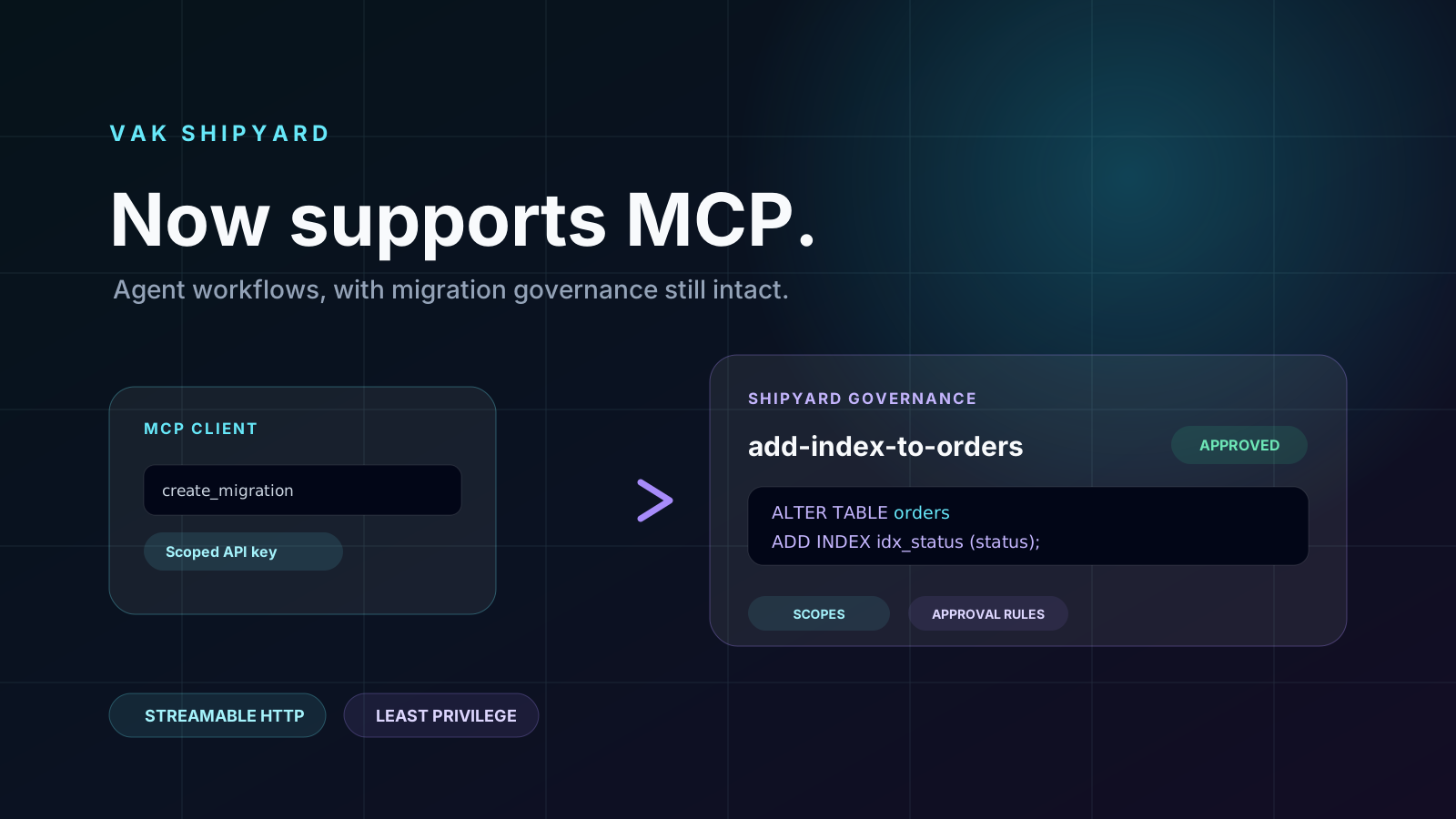
Database changes are one of the places where an AI workflow needs the most discipline. A helpful agent can draft a migration or surface the history behind a change. It should not become a shortcut around review, approval, and the rules that keep production safe.
That is why Vak Shipyard now supports MCP — Model Context Protocol — over a Streamable HTTP endpoint.
Bring governed migration work into your agent workflow. Connect an MCP client to Shipyard and keep your existing database controls in the loop.
Explore Vak Shipyard →What MCP support makes possible
MCP gives an AI client a standard way to discover and call tools. With Shipyard connected, an agent can work with the migration workspace instead of treating a database change as an unstructured chat response.
Shipyard exposes dedicated tools to:
- list projects and migrations;
- retrieve a migration’s SQL, approvals, and event history;
- create a draft or submitted migration; and
- submit, approve, reject, or apply a migration when the relevant controls allow it.
For broader workspace operations, Shipyard also provides a governed API tool for supported Shipyard API actions.
The agent gets tools. Shipyard keeps the guardrails.
MCP does not grant an agent an unrestricted database connection. Every request goes through Shipyard’s existing API and permission model.
Each MCP key is created in Shipyard Settings and receives only the scopes an administrator selects. A key can be limited to read-only work, migration drafting, approval, application, or the other workspace actions it actually needs. The key acts as its issuing user, so the user’s existing role and project-level approval or releaser policies still apply.
That means a client with permission to create a migration does not automatically gain the right to apply it. Governance remains part of the workflow, even when the next step comes from an agent.
A simple connection model
Shipyard’s MCP endpoint uses Streamable HTTP and bearer-token authentication. Administrators create a named MCP API key, choose its permissions, and add the endpoint and token to their MCP client. The full secret is shown once at creation time, while Shipyard retains the key prefix, scopes, creation time, and last-used timestamp for ongoing administration.
This creates a useful boundary: integrations get their own narrowly scoped identity rather than borrowing a person’s long-lived credentials.
A more useful way to work with migrations
An agent can now help a team turn a request into a properly tracked migration: inspect the relevant project, look up a previous change, create a draft, and guide it into Shipyard’s normal review lifecycle. Reviewers still see the SQL and the context they need; approvers still make the governed decision; the resulting history remains in Shipyard.
That is the promise of the integration. More leverage for the people doing database work, without making the path to production less deliberate.
Start with the smallest useful scope
MCP works best when the agent has exactly the access it needs. Start with read scopes if the goal is discovery or status reporting. Add migration creation for a drafting workflow. Grant approval or application permissions only where the person, project policy, and process all support that responsibility.
Shipyard MCP support is ready now in Settings. Connect your client, choose the scope, and bring your database-change workflow into the tools where your team works.
Want a review process for your database changes?
See Vak Shipyard in production.